Terminal (Formerly Padre): Complete Review & Guide
Learn how to use Terminal, the Solana trading platform built by Pump.fun.
This site covers Terminal setup, Trenches filters, and Solana memecoin trading.
Overview
What is Terminal?
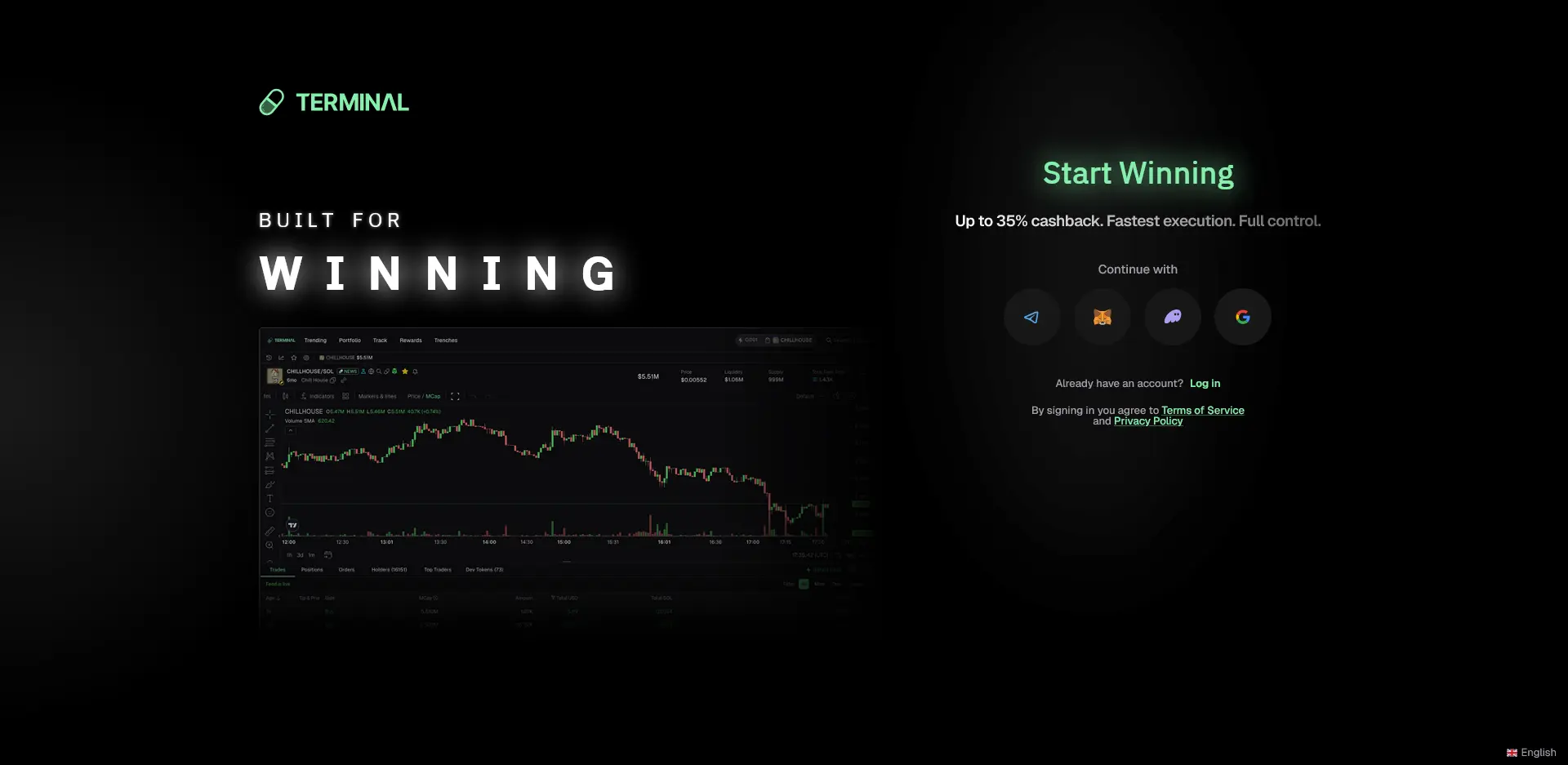
Terminal (formerly Padre) is a Solana trading platform built by the team behind Pump.fun. The rebrand introduced a cleaner interface while keeping the same trading engine, workflow, and execution speed.
If you have used Padre before, Terminal will feel immediately familiar.
Terminal is designed for discovering, filtering, and trading Solana memecoins before they gain momentum. Its real-time Trenches feed, advanced filters, and multi-wallet trading tools help traders react quickly to new launches.
Whether you're tracking early launches or executing fast entries, Terminal combines Trenches, advanced filters, and native Pump.fun integration in one fast trading platform.
Why choose Terminal
Why traders choose Terminal
Built for Pump.fun memecoins, optimized for Solana trading, and designed for both beginners and experienced traders.
Created by Pump.fun
Built by the team behind Pump.fun, giving Terminal native integration with Solana memecoin launches.
35% Lifetime Cashback
Get 35% lifetime cashback on trading fees when signing up through my referral link instead of the standard rate.
Fastest Trade Execution
Low-latency trade execution helps you enter Solana memecoin launches faster and react to market moves instantly.
Beginner & Pro Friendly
A clean interface with powerful filters makes Terminal easy to learn while remaining advanced enough for experienced traders.
Trenches Filters
Advanced Trenches filters help remove launch noise and surface high-potential Solana memecoins that match your criteria.
Multi-Wallet Support
Manage multiple Solana wallets from one place, making it easier to separate strategies and manage risk.
My setup
My Trenches Filters
This is the exact filter configuration I run in the Trenches feed. It is a conservative baseline designed to cut noise and recycled tokens so genuine new launches stand out. Apply all six, then adjust once you understand the flow.
- 01
Hide Mayhem
Removes spam-heavy launches.
- 02
Hide Charity Coins
Filters out charity-themed tokens, which are frequently low-effort or short-lived.
- 03
SOL pairs only
Only shows SOL-paired tokens.
- 04
At least one social
Helps filter out launches with no visible online presence.
- 05
Original socials
Surfaces launches with original social links rather than copied or recycled accounts.
- 06
Original avatar
Flags tokens using an original avatar, helping avoid obvious clones of existing coins.
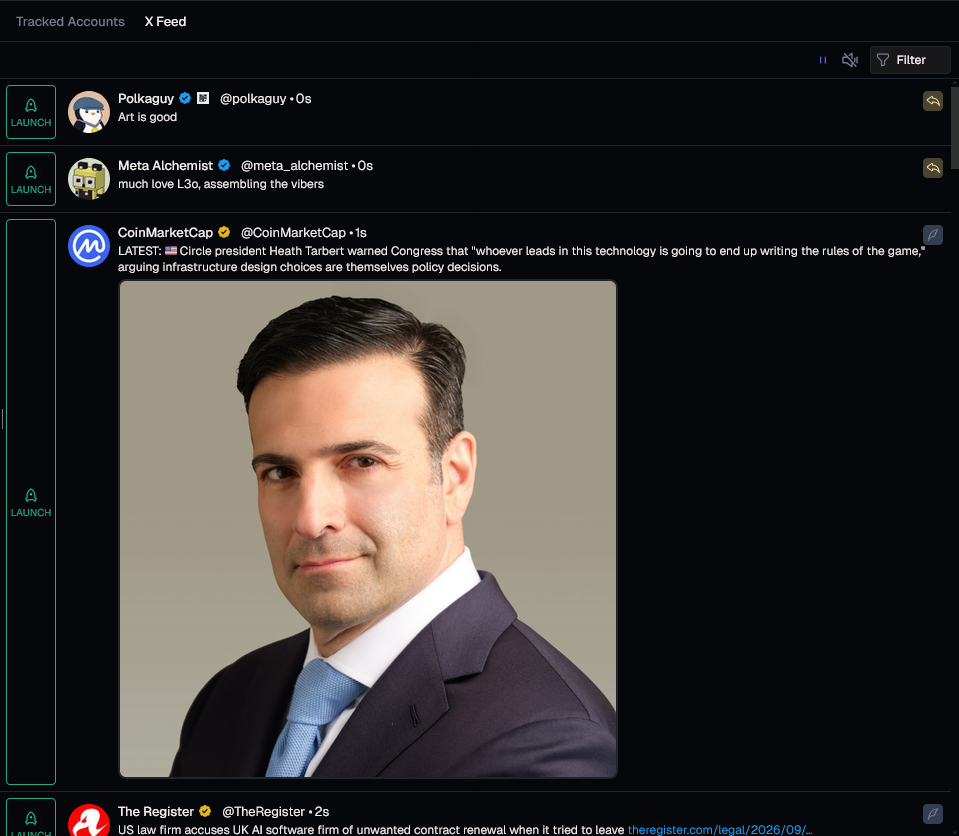
Feature
Terminal CT Tracker
Monitor Crypto Twitter without leaving Terminal.
The X Feed keeps launches, market news, and trusted CT accounts in one place while you trade.
It's genuinely useful and can help you spot launches and market moves earlier without constantly switching tabs.
- Live X Feed inside Terminal
- Tracked Accounts support
- No tab switching while trading
Watch
Terminal Sniping Tutorial
Learn the exact Terminal (formerly Padre) setup and Trenches filters I use to find new Solana memecoin launches.
Watch my complete Terminal (formerly Padre) sniping tutorial covering Trenches filters and the exact workflow I use for finding new Solana memecoin launches.
Explore more
More Terminal Guides
Answers
Frequently Asked Questions
Is Terminal the same as Padre?
Yes. Terminal is the current name for the platform that was previously known as Padre. The rebrand kept the same underlying product, team, and trading engine, so existing Padre users are simply using Terminal under a new name. If you have read older guides referencing "Padre," they are describing the same tool.
Is Terminal built by Pump.fun?
Terminal is built by the team behind Pump.fun, the platform that popularized fair-launch Solana memecoins. Because the same team maintains both products, Terminal is tightly optimized for the kind of on-chain activity that originates on Pump.fun, making it a trusted platform for Solana and memecoin trading.
What are the best Trenches filters?
A reliable starting configuration is: Hide Mayhem, Hide Charity Coins, SOL pairs only, Original socials, and Original avatar. These filters cut out low-quality noise and recycled tokens so the feed surfaces genuine new launches. You can loosen individual filters once you understand the flow, but this set is a strong, conservative baseline.
Is Terminal good for beginners?
Terminal has a learning curve, but it is approachable for beginners who take time to configure their Trenches filters and understand basic Solana wallet management. The interface is designed around speed for experienced traders, so new users benefit most from following a structured tutorial before trading real size.
Why do traders use Terminal?
Traders use Terminal for fast execution, Trenches filters, CT Tracker, wallet tracking, and multi-wallet support. Together, these features make it easier to discover, track, and trade new Solana memecoins faster.
Get 35% lifetime cashback on Terminal
If Terminal fits your workflow, you can reduce your trading costs with 35% lifetime cashback on fees. Set it up once and it applies to every trade you make going forward.
Get 35% Lifetime CashbackAlways trade responsibly.
Memecoin trading carries significant risk.